Privacy & Safety
PIN-Protected File Sharing Rooms: A Simple Privacy Upgrade
Learn how room PINs reduce accidental access, when to use them, and practical habits for sharing codes safely with the right people.
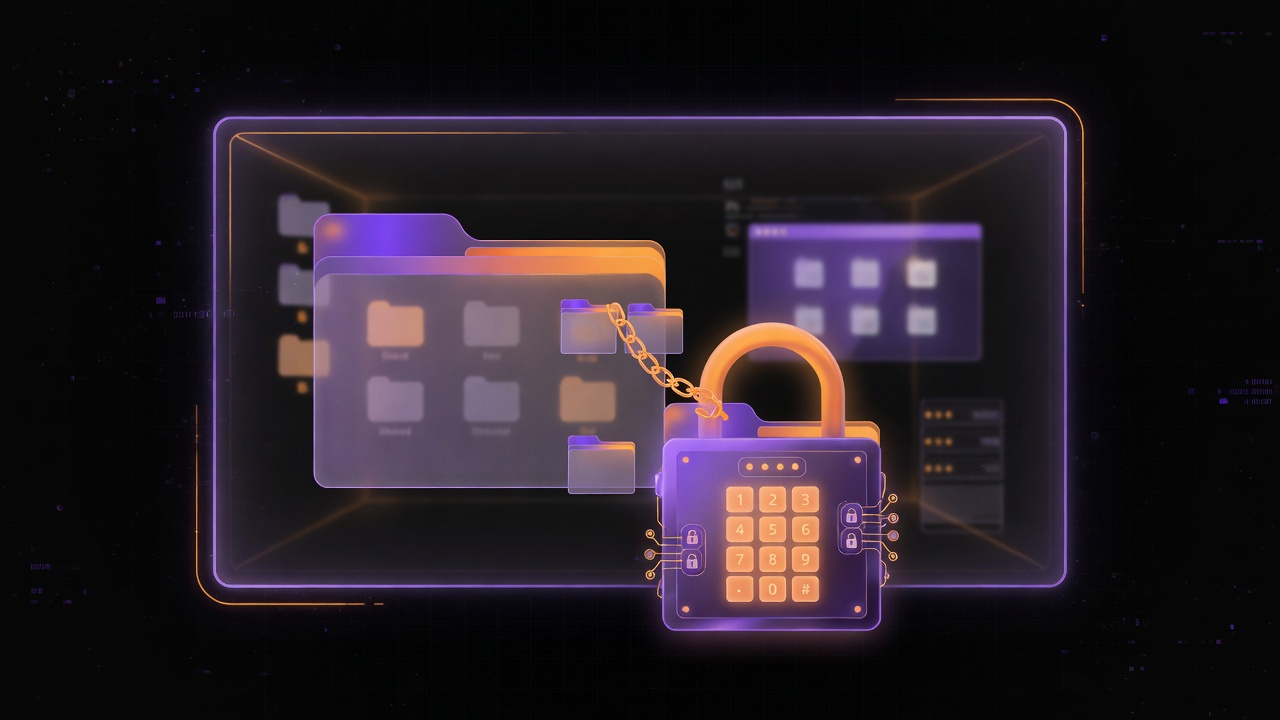
A room code gets people into a shared space. A PIN adds a second checkpoint so a leaked or guessed code is less useful on its own. That small extra step is one of the easiest privacy upgrades you can make when sharing files with a limited group.
This guide explains what PIN-protected rooms are good for, what they do not promise, and how to use them without frustrating your recipients.
Room code vs PIN: different jobs
Room code (or link): Finds and opens the space. It is the address of the temporary room.
PIN: An additional secret required to enter or access content. Even if someone sees the code on a whiteboard photo or in a forwarded message, they still need the PIN.
Used together, code + PIN is like building + door key. Either piece alone is weaker than both.
Why PINs help in real life
People share access paths in imperfect ways:
- Codes written on classroom boards
- Links pasted into large group chats
- Screenshots that capture more than intended
- Shoulder surfing in cafés and labs
A PIN you share only through a narrower channel—say, a direct message to core teammates—reduces accidental joiners. It is especially useful when the file set is not public knowledge: draft grades discussions, unpublished event budgets, family documents, or work-in-progress creative files.
Temporary platforms such as [PeerPizza](/) often pair short-lived rooms with optional PIN protection so casual sharing can still have a privacy layer without full account administration.
What a PIN is not
Stay realistic:
- A short PIN is not the same as enterprise access control
- Anyone who receives both the code and the PIN can join while the room is live
- Participants can still download and forward files outside the room
- PIN protection does not replace careful decisions about what you upload
- Auto-delete later does not un-send a file already saved by someone else
PINs raise the bar against casual or accidental access. They are not a full security program.
When you should enable a PIN
Turn a PIN on when:
- The group is closed (a team, a family unit, a client pair)
- The content would be awkward or harmful if outsiders joined
- The room code might appear in a semi-public place
- You are sharing more than a trivial public flyer
You can skip a PIN for low-stakes public-ish materials when speed matters more than restriction—but defaulting to a PIN for mixed or semi-private sets is a healthy habit.
How to share code and PIN without defeating the point
If you send the code and PIN in the same public post, you gained almost nothing. Better patterns:
- Split channels: code in the group chat, PIN in direct messages to approved people
- In-person PIN: show the PIN on your phone to people in the room; send only the code digitally
- Voice PIN: read the PIN on a call for remote teammates
- Avoid reuse: do not recycle the same PIN across unrelated rooms for months
The goal is that random viewers of one channel still lack the full key pair.
Practical setup checklist
- Create the temporary room
- Set a PIN that is not `1234` or your birthday if you can avoid obvious choices
- Upload only the files that belong in this session
- Share access pieces through appropriate channels
- Tell people the room’s time limit so they download promptly
- Confirm intended members got in; if an unexpected name appears, stop uploading sensitive items
- Keep local masters of anything important
Clear communication prevents the classic failure mode: security so awkward that people bypass it with unsafe workarounds.
Balancing friction and safety
Every extra secret adds friction. For five close friends exchanging party photos, a long ceremony is overkill. For a document that includes personal addresses, friction is justified.
A simple rule: the more harm from a wrong recipient, the more you should split access factors and limit what you upload.
Also consider file-level password protection on a PDF for truly sensitive documents, plus a more controlled platform when policy requires it. Room PINs and document passwords can stack, but only if recipients can handle the steps.
Mistakes that weaken PIN rooms
- Putting code and PIN in the same public Instagram story
- Using one easy PIN for every class all semester
- Leaving sensitive files in a room after the “trusted†roster changes
- Assuming a PIN encrypts the file at rest in a special way without reading how the product actually works
- Forgetting that screenshots of the room may capture private content
Combining PINs with temporary cleanup
PIN protection helps during the open window. Automatic expiry helps afterward by closing the door. Together they address two different problems: who gets in now, and how long the online copy remains available. Still keep offline backups and avoid uploading regulated or highly sensitive personal data to casual tools.
Final thoughts
PIN-protected file sharing rooms are a simple, human-scale privacy upgrade. Use a room code to gather the right people, a PIN to block casual hangers-on, and separate channels so both secrets are not broadcast together. Pair that with thoughtful uploads, prompt downloads, and temporary cleanup, and you get faster sharing without leaving every door unlocked. For everyday group handoffs, that combination is often enough—and far better than an unprotected link floating around forever.
Try PeerPizza: free temporary rooms to chat and share files — no signup, room codes, optional PIN, auto cleanup. Open home